Your screen.
Perfectly recorded.
knooth is a macOS screen recording app with built-in editing, AI captions, audio cleanup, and animations. Create tutorials and explainer videos, or record your iPhone and iPad screen - all in one place.
1 week free for new subscribers.

More than recording.
It's a full canvas.
Record your screen, then refine it. With built-in editing, timelines, animations, and media layering, knooth lets you create professional videos without leaving the app.
Precision controls, when you need them
Fine-tune layout, position, typography, color, audio, and export settings — all from a single, focused panel.

Capture with clarity
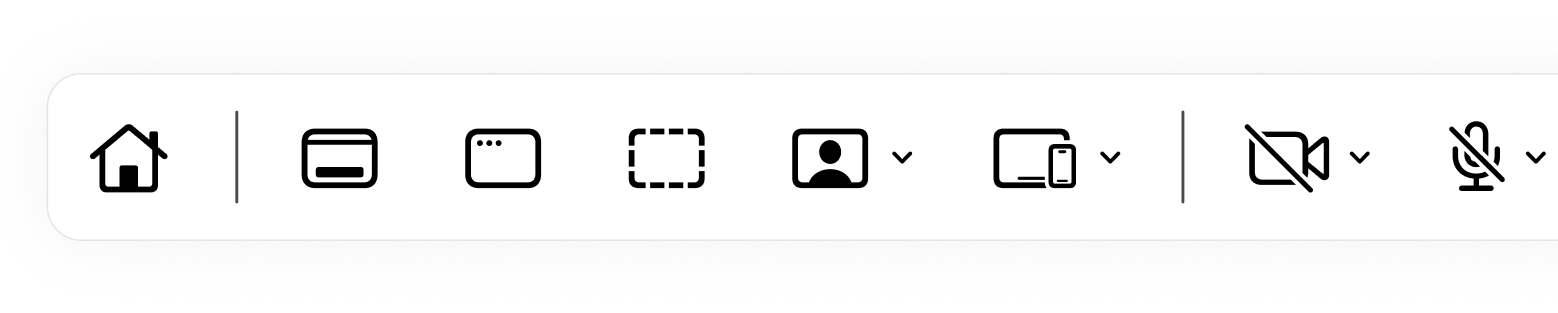
Capture exactly what you need, from full screens to fine details — even just yourself — with audio and visual precision from the start.
Layer meaning onto your recordings
Add text, images, audio, and vector shapes to your videos. Annotate key moments and guide attention exactly where it matters.

Designed to guide attention
Customize your cursor after recording — adjust size, add click sounds, and guide attention exactly where it matters.

Shape the story over time
Trim clips, split layers, and animate elements to highlight key moments and keep attention exactly where you want it.
Auto Zoom Cursor
Turn it on to automatically zoom into cursor actions, then fine-tune the generated keyframes anytime. You're always in control.
Ready for every screen
Export your video in multiple aspect ratios, from widescreen to vertical and square.

Privacy by design
Your recordings never leave your device unless you choose to move them. knooth stores everything locally, giving you complete ownership and control.

Refine your voice
Remove filler words or selected phrases using intelligence built into knooth — keeping your video natural, polished, and private.
Captions made simple
Create captions with built-in intelligence, processed locally without relying on external services.
Fine-tune animations
Adjust easing curves with a full-featured graph editor. Get precise control over timing, speed, and motion.

Background masking
Remove or blur your background after recording. Clean up distractions in a single click.

Studio-ready audio
Reduce background noise for a cleaner, clearer sound. Fine-tune frequencies using the built-in equaliser.

Simple pricing,
no surprises.
One license. All your devices.
No feature gating. No data collection. Files stay on your device.
1 week free for new subscribers.
Get Started
1 week free trial
Full access for 7 days.
- All recording modes
- Full editing tools
- Auto Zoom Cursor, AI features, etc
- Local-only & privacy-first
- Use on all Macs (same Apple ID)
Explorer
Pay as you go. Cancel anytime.
Explore at your own pace.
- Everything in Free Trial
- Monthly billing
- Ongoing updates
- Use on all Macs (same Apple ID)
Professional
Built for everyday work.
- Everything in Monthly
- Best value
- One year of updates
- Use on all Macs (same Apple ID)
Common questions
All AI processing in knooth happens entirely on your device.
Your audio, video, and text never leave your device during AI operations.
knooth does not use:
• Cloud-based AI services
• External APIs
• Third-party inference servers
Everything runs locally inside the app.
Bulgarian, Croatian, Czech, Danish, Dutch, English, Estonian, Finnish, French, German, Greek, Hungarian, Italian, Latvian, Lithuanian, Maltese, Polish, Portuguese, Romanian, Slovak, Slovenian, Spanish, Swedish, Russian, Ukrainian
• AI-generated captions and edits are stored locally in your project files
• knooth does not collect, store, or transmit AI inputs or outputs
• We do not use your content to train any models
Since all AI processing is on-device, AI features work without an internet connection, subject to your device’s performance capabilities.
knooth’s AI runs entirely on your device.
Your content stays on your Mac and is never uploaded or processed in the cloud.
Anonymous usage and diagnostics data may be collected to improve the app, but no personal data or content is ever collected.
AI in knooth is used solely as a creative and productivity tool.
It does not profile users or make automated decisions about you.

Turn screen recordings
into clear stories
knooth helps you capture, refine, and export professional videos — without switching tools or workflows.
1 week free for new subscribers.